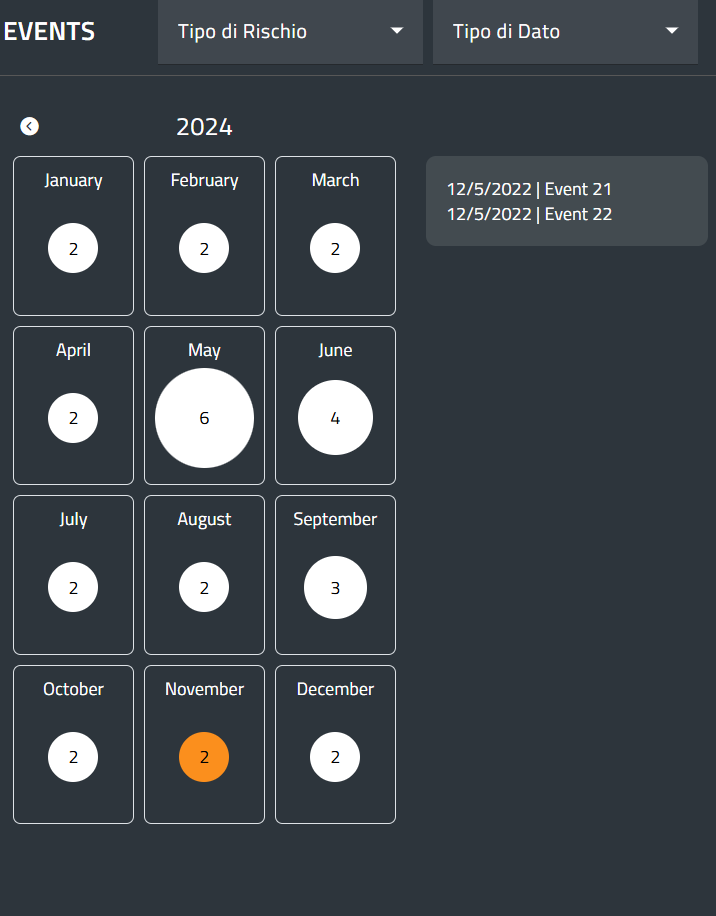
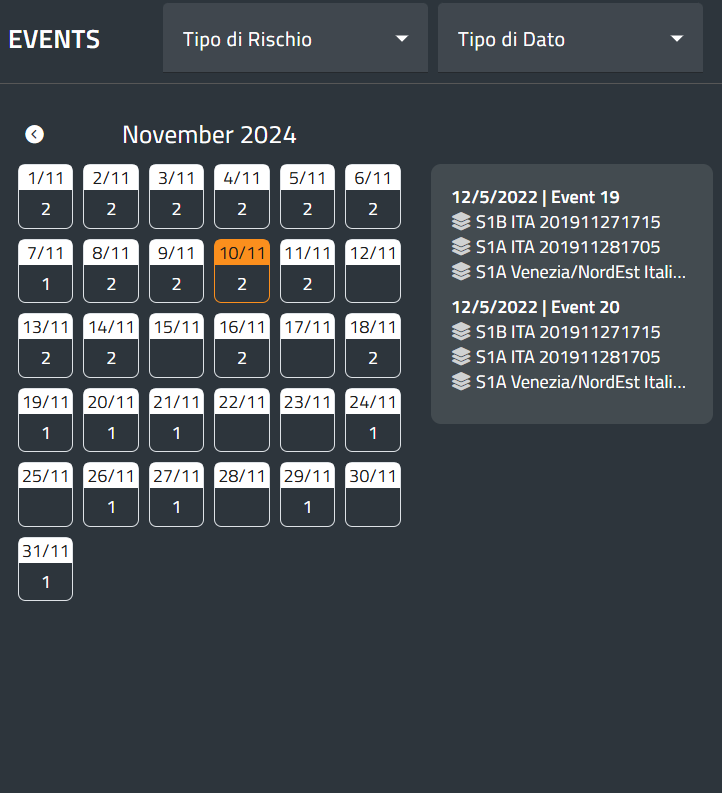
The fourth action button of the Toolbar is the Events menu, which provides access to the time-independent data related to natural disasters happened in the past. Once the user clicks on the menu, a window appears. At the top, filters are available to refine the search for the desired layer: hazard picker, and data Types:

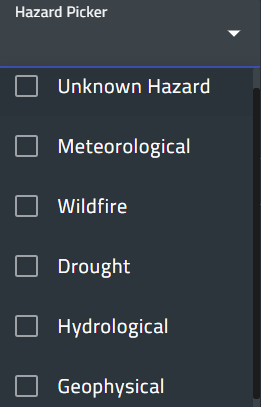
The hazard picker allows the user to select only the layer related to one or more hazards. The lists of hazards may vary depending on the users.
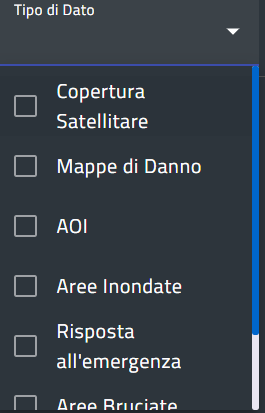
The data types define the characteristics of the data, such as satellite acquisitions, change maps, cyclone tracks, grading maps, flooded areas, and burnt areas. This list is also tailored for each specific user.
The window displays a calendar on the left, showing the number of registered events for each year and month. Moving the mouse over a month reveals the event names. When a month is selected, the window shows the list of days, and by choosing a day, a list of layer names for that day appears on the right. The pictures below summarize this functionality.